Every HVAC owner knows the moment. A technician calls from a job site and says the truck is out of the part they need. Now the customer waits, the technician drives to a supply house, and the rest of the day's schedule slips. One missing capacitor can turn a single visit into two.
Inventory problems rarely come from one big mistake. They come from small, invisible gaps: nobody counts stock regularly, parts are used without being recorded, and reordering happens when someone happens to notice. This guide covers a practical way to manage HVAC inventory so the parts you rely on are there when you need them.
Why HVAC inventory is harder than it looks
An HVAC company does not keep inventory in one place. Parts sit in the warehouse, on each truck, and sometimes in a technician's own kit. Usage happens in the field, often between calls, and records get written down later, if at all. The count in your head, the count on paper, and the count on the shelf slowly drift apart.
Demand is also uneven. Cooling season and heating season use different parts, and a heat wave or a cold snap can empty a shelf in days. That is why a system based on regular counts and automatic alerts works better than one based on memory.
Start with the parts that cause the most delays
You do not need to track every screw. Start with the items whose absence causes a return trip or a lost job. For most residential service companies that usually means a short list.
- Refrigerant, tracked by type and cylinder.
- Capacitors and contactors, which fail often and are quick fixes when in stock.
- Air filters in the common sizes you replace most.
- Motors, igniters, thermostats, and other common repair parts.
- Fittings, tape, and consumables your team uses every week.
Once the essentials are under control, expand the list. A small, accurate inventory beats a huge one that nobody trusts.
Set an on-hand count and a reorder level for each part
Every tracked part needs two numbers: how many you have on hand, and the level at which you reorder. The reorder level should account for how fast you use the part and how long it takes to get more. A part you use daily and that takes three days to arrive needs a higher reorder level than a part you use monthly and can pick up locally.
Add a third number if you can: the target quantity to restock up to. Then a low-stock alert tells you not just that you are running low but how many to order.
Track stock by location, especially the trucks
A total count hides the real problem. Twenty capacitors in the warehouse do not help a technician whose truck has none. Track quantities by location, meaning warehouse and each truck, and set minimum stock levels for each truck's standard loadout.
A simple routine helps: at the end of each day or week, technicians restock from the warehouse to the truck's standard level. When parts are recorded against jobs as they are used, the system can tell you exactly what each truck needs.
Record parts against the job
The single habit that makes inventory accurate is recording parts used on the job itself. When a technician marks parts on the work order, the count updates, the invoice picks up the parts automatically, and the customer is billed correctly. It solves inventory and billing with one step.
This is where connecting inventory to your service dashboard pays off. If parts live in a separate spreadsheet, recording them becomes extra work, and extra work gets skipped. Our guide on tracking service calls, estimates, and invoices in one dashboard shows how those pieces fit together.
Use low-stock alerts instead of memory
A low-stock alert is a simple rule: when a part falls below its reorder level, notify the person who orders. It can be an email, a text, or a flag on the dashboard. What matters is that the warning arrives before the shelf is empty.
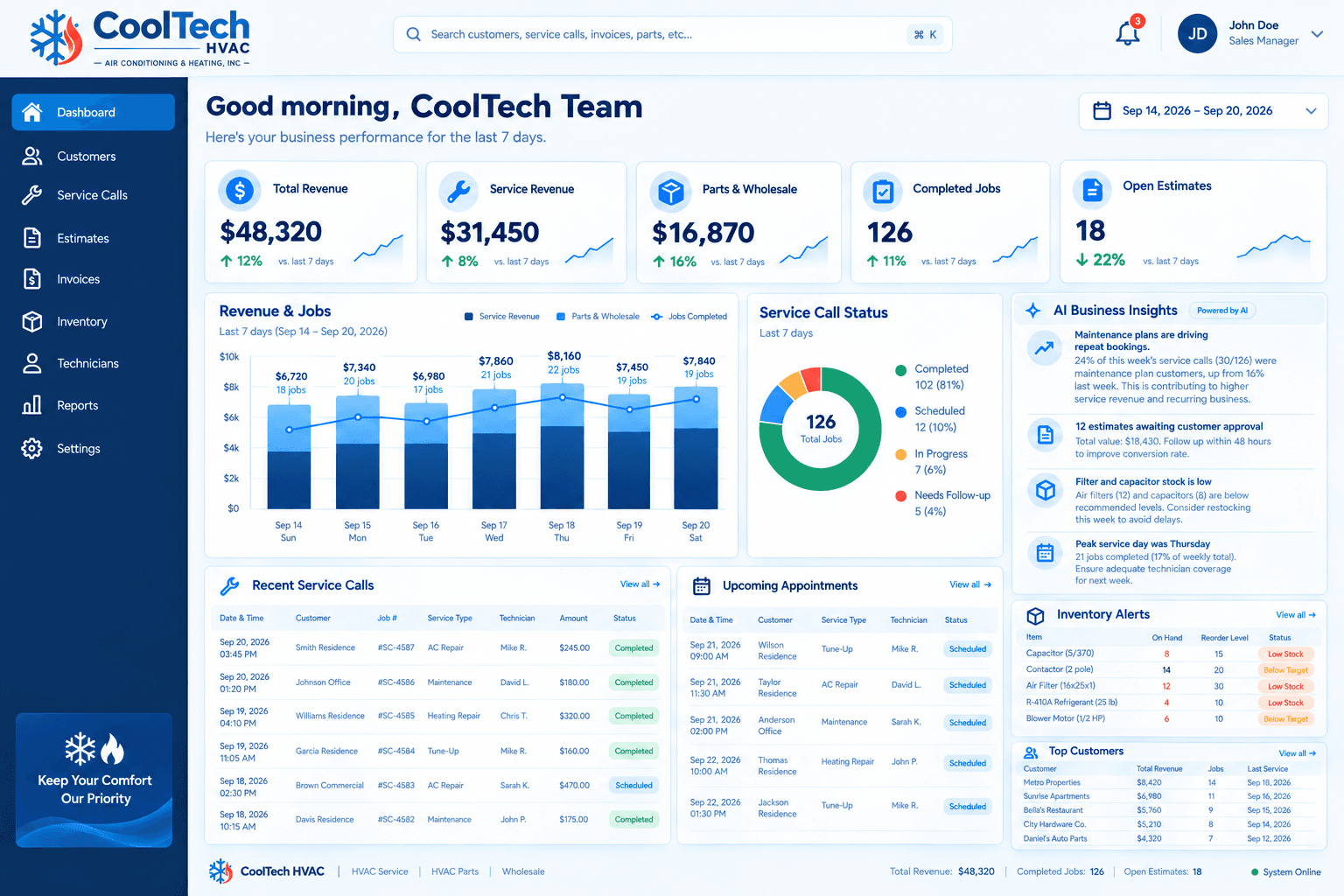
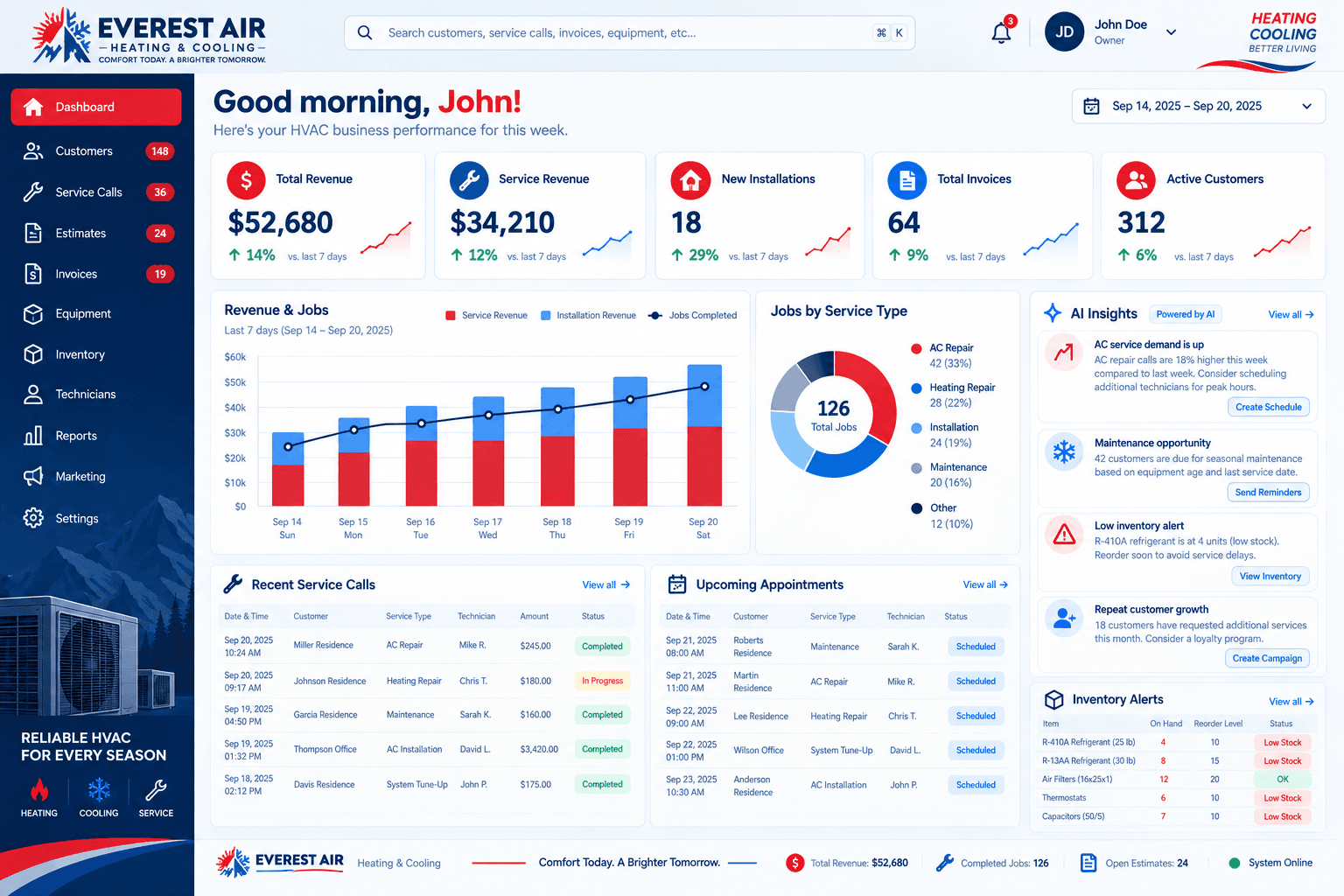
Our sample projects for CoolTech HVAC and Everest Air include inventory alerts that flag low stock next to the day's jobs. They use illustrative data, not real client results, but they show the idea.
A note on refrigerant records
Refrigerant is different from other parts, because in the United States its handling is regulated. Depending on the equipment and the amount involved, rules such as EPA Section 608 can require records of refrigerant use. Requirements change, so confirm the current rules with the EPA or your compliance advisor. From a systems point of view, the useful step is to track refrigerant by type and by cylinder, and to record how much is used on each job so the information exists when you need it.
Decide who owns inventory
Inventory drifts when everyone is responsible for it, which usually means nobody is. Name one person to own ordering and cycle counts, and make technicians responsible for recording what they use. A clear owner also gives the low-stock alert somewhere to land.
In a small company that might be the office manager. In a larger one it might be a warehouse lead. What matters is that the alert reaches someone who can act on it the same day.
Plan for the seasons
Demand for parts follows the weather. Cooling parts move fast before and during summer, and heating parts do the same in the cold months. Look at last year's usage by month and raise reorder levels ahead of each season instead of after the first rush empties the shelves.
If your records only start now, that is fine. A few months of accurate job-level parts data will tell you more than any guess, and it gets more useful every year you keep it.
Do a regular cycle count
Even a good system drifts. Schedule a short cycle count, such as counting a few high-use parts each week, and correct the numbers when they do not match. Counting a handful of items often is easier than shutting everything down for an annual count, and it catches problems while they are small.
Putting it together
- List the 15 to 30 parts that cause the most delays and start there.
- Give each one an on-hand count, a reorder level, and a restock target.
- Track quantities by location, including each truck.
- Have technicians record parts on the job so counts update automatically.
- Turn on low-stock alerts and decide who receives them.
- Run a small cycle count every week to keep the numbers honest.
You can do this in a spreadsheet, but it gets harder to maintain as the company grows. If you would like inventory, scheduling, and invoicing connected in one place, see our overview of custom HVAC CRM software or talk to us about your setup.