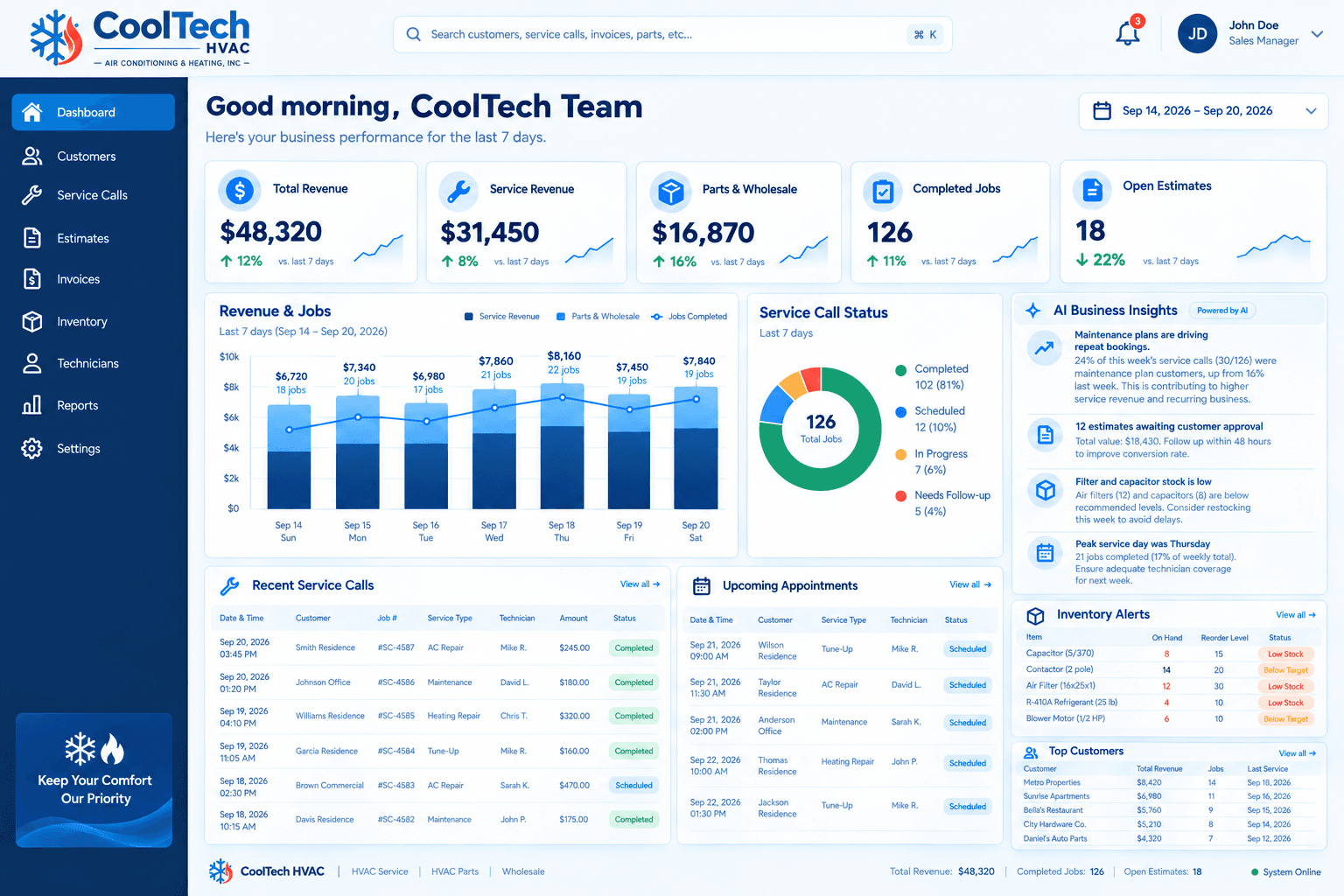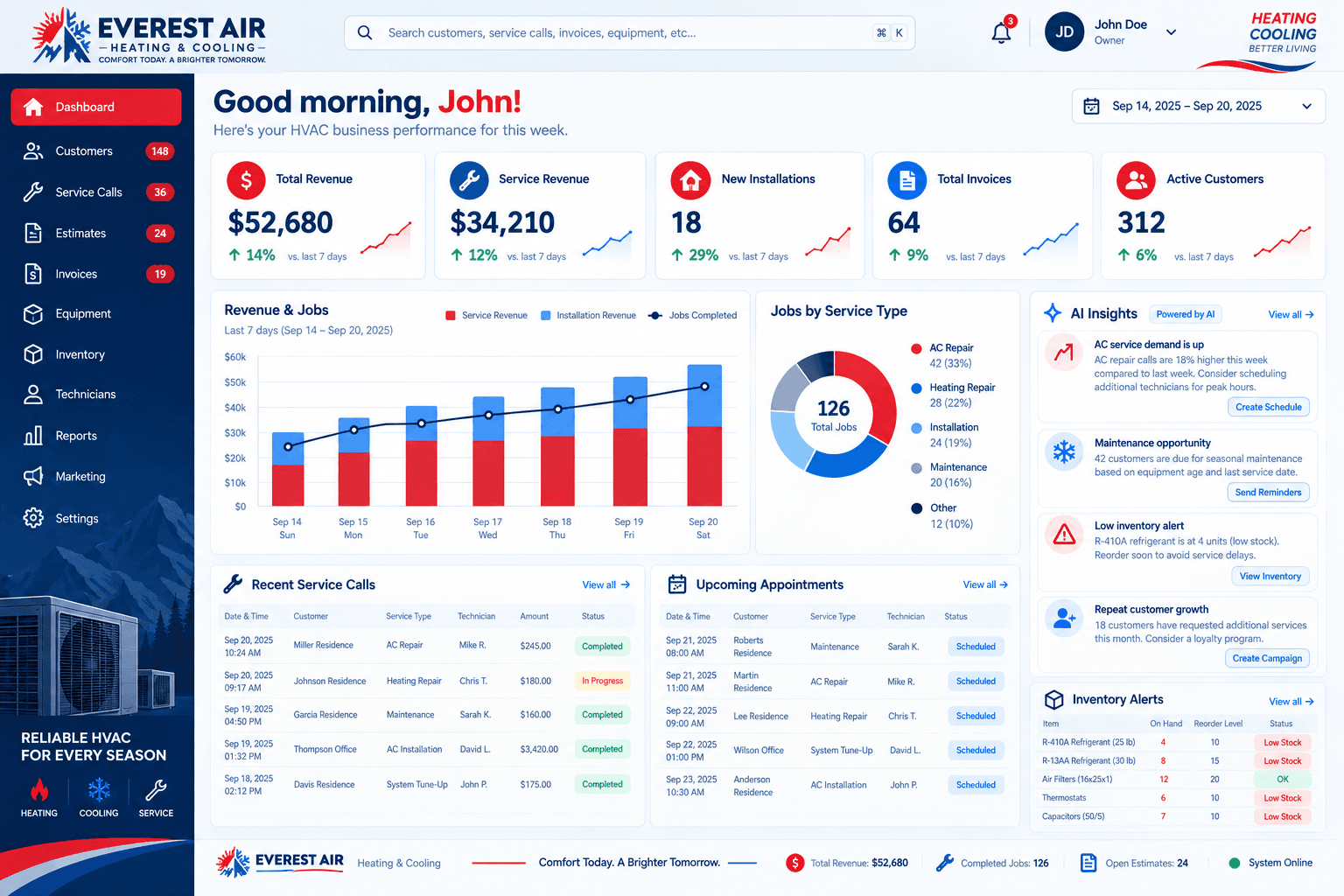
If you run an HVAC company, you already have a customer database of some kind. It might be a spreadsheet, a stack of paper job tickets, a shared inbox, a field-service app, or all four at once. An HVAC CRM is the system that replaces that patchwork with one place where every call, job, estimate, invoice, and part is connected to the customer it belongs to.
This guide explains what an HVAC CRM does in plain language, which features are worth paying attention to, and which ones look impressive in a demo but rarely change how a real service business runs. If you want the short version of how we approach it, see our page on custom HVAC CRM software.
What an HVAC CRM actually is
CRM stands for customer relationship management. In a general business, that means tracking leads and deals. In an HVAC company the job is broader, because your relationship with a customer is a long chain of events: the first call, a site visit, an estimate, an install or repair, an invoice, a maintenance plan, a reminder next spring, and the next emergency call in July.
A good HVAC CRM keeps that whole chain on one customer record. When someone calls, the office can see the equipment on site, what was done last time, what is still unpaid, and whether a technician promised a follow-up. That context is what turns a rushed phone call into a smooth one.
Why generic CRMs struggle with HVAC work
Most general-purpose CRMs are built around a sales pipeline: a lead comes in, a salesperson works it, a deal closes. HVAC work does not follow that shape. You are scheduling trucks against technician availability, quoting jobs that may take days to approve, dispatching emergencies that cannot wait, and tracking parts that run out at the worst moment.
That does not mean a generic CRM is useless. Many companies start there and do fine for a while. But the gaps tend to show up in the same places: scheduling lives in another tool, invoicing lives in a third, and parts are tracked on a whiteboard. The office ends up re-entering the same job in several places, which is where mistakes and missed follow-ups come from.
The features that actually matter
Feature lists in software marketing are long. In practice, a handful of capabilities decide whether a CRM helps your team or becomes shelfware.
Lead and call capture
Every inbound call, web form, and text should land in the same place, with the source recorded. Missed calls matter most: a missed call in peak season is often a job that goes to the next company on the search results. Look for missed-call text-back and a clear list of who still needs a callback.
Scheduling and technician dispatch
Dispatchers need to see which technician is free, where they are, and what they are qualified to do. A calendar that shows availability against real jobs, not just appointment slots, saves the phone calls and texts that usually fill a dispatcher's day.
Estimates with follow-up
Estimates are where revenue quietly leaks. A quote goes out, nobody follows up, and the customer signs with someone else. The useful feature is not just creating an estimate; it is a list of open estimates and automatic reminders so none of them sit unanswered for days.
Invoicing tied to the job
When an invoice is created from the completed job, the labor, parts, and notes carry over without retyping. It also makes it obvious which completed jobs have not been billed yet, which is a surprisingly common source of lost money. Our guide to tracking service calls, estimates, and invoices in one dashboard goes deeper on this.
Maintenance plans and reminders
Recurring maintenance is the steadiest work in HVAC. A CRM should know which customers have plans, when each visit is due, and send the reminder without someone remembering to do it. It should also flag customers who have had no contact in a long time so they can be brought back.
Parts and inventory
Running out of refrigerant, capacitors, or filters when a truck is already at the customer's door costs a return trip. Basic stock levels, reorder points, and low-stock alerts prevent most of it. We cover this in more detail in HVAC inventory management.
Reporting the owner can act on
You should be able to see, without building a report, how much revenue came from service versus installs, how many estimates are still open, and which days were busiest. If a dashboard needs an analyst to read it, it will not get used.
Features that sound good but rarely matter
- Dozens of report templates you will never open. A few reports the whole team checks daily beat a library nobody browses.
- Deep marketing automation for a business where most work comes from referrals, repeat customers, and search. Start with reminders and follow-ups, then add more only if you need it.
- Complex pipeline stages copied from a sales team. HVAC jobs need a few clear stages, not fifteen.
- Per-user add-ons for features only one person uses. These can quietly raise the monthly cost as you hire.
How to evaluate an HVAC CRM
Before you compare vendors, write down how a single job moves through your company today, from the first call to the final payment. Then check each system against that story instead of against a feature checklist.
- Can a dispatcher schedule a job and see technician availability without switching tools?
- Does an estimate turn into a job, and a job into an invoice, without retyping anything?
- Will your office staff actually use it on a busy Monday? Ask them to try it, not just the owner.
- Can it connect to the tools you already rely on, such as accounting, phone, and email?
- Can your existing customers and history be imported cleanly from your spreadsheets or old system?
- What happens when your process changes? Find out whether you can adjust the system or need to work around it.
Custom, GoHighLevel, or HubSpot?
There is no single right platform. A custom build fits when your workflow is unusual or you need scheduling, dispatch, and inventory in one screen. GoHighLevel is often a good fit for lead capture and automated follow-up. HubSpot suits teams that lean on sales and marketing reporting. Our comparison of a custom CRM, GoHighLevel, and HubSpot walks through when each one makes sense.
Where to start
You do not need to buy everything at once. Most HVAC companies get the biggest gain from three things: capturing every call, following up on every estimate, and seeing which technician is free. Get those working, then add invoicing, maintenance plans, and inventory as the team gets comfortable.
If you would like help mapping your workflow, book a discovery call. We will ask how your office runs today and tell you honestly whether a custom build, GoHighLevel, or HubSpot fits best.