If you run an online store, your customer information is probably spread across several tools. Orders live in your store platform, support conversations live in an inbox or help desk, email campaigns live in a marketing tool, and someone keeps a spreadsheet of best customers. Each tool knows a little. None of them knows the whole story.
An ecommerce CRM fixes that by giving every customer one record that combines their orders, conversations, and marketing activity. This guide explains what that means in practice, what data to connect, and how to get useful results without turning it into a huge project. For an overview of what we build, see our page on custom ecommerce CRM development.
What a single customer view actually gives you
A single customer view means that when you look up a person, you can see everything relevant in one place: what they bought, how much they have spent, when they last ordered, which products they prefer, whether they contacted support, and which emails they received. You stop guessing and start seeing.
That view supports decisions that are hard to make from separate tools. Who are your best customers? Which customers have gone quiet? Who bought once and never returned? Which channel brings customers who come back? Without connected data, these questions take manual work, or they never get asked.
The data worth connecting first
You do not need to connect everything at once. Start with the sources that answer your most important questions.
Orders and products
This is the foundation. Order history gives you purchase dates, order values, and the products each customer buys. From it you can calculate how often people return and how much they spend over time.
Customer support conversations
Support tickets, chats, and emails explain the why behind behavior. A customer who had a shipping problem and then stopped ordering is a different case from one who is simply between purchases. Having those conversations on the same record helps your team respond with context.
Email and SMS marketing activity
Knowing which messages a customer received and how they responded stops you from sending duplicate offers, and shows which campaigns lead to orders. It also makes it possible to build segments that reflect real behavior.
Traffic and channel source
Where a customer first came from, such as search, social, or a referral, helps you compare channels by more than first-order revenue. A channel that brings fewer customers who return often can be worth more than one with a flashy first purchase.
Metrics a good ecommerce CRM should surface
- Customer lifetime value: the total revenue a customer has generated so far.
- Repeat purchase rate: the share of customers who order more than once.
- Average order value, and how it changes by segment or channel.
- Time between orders, which helps you time reminders and offers.
- Recency: how long it has been since each customer's last order.
- Revenue by channel, so you can see where valuable customers come from.
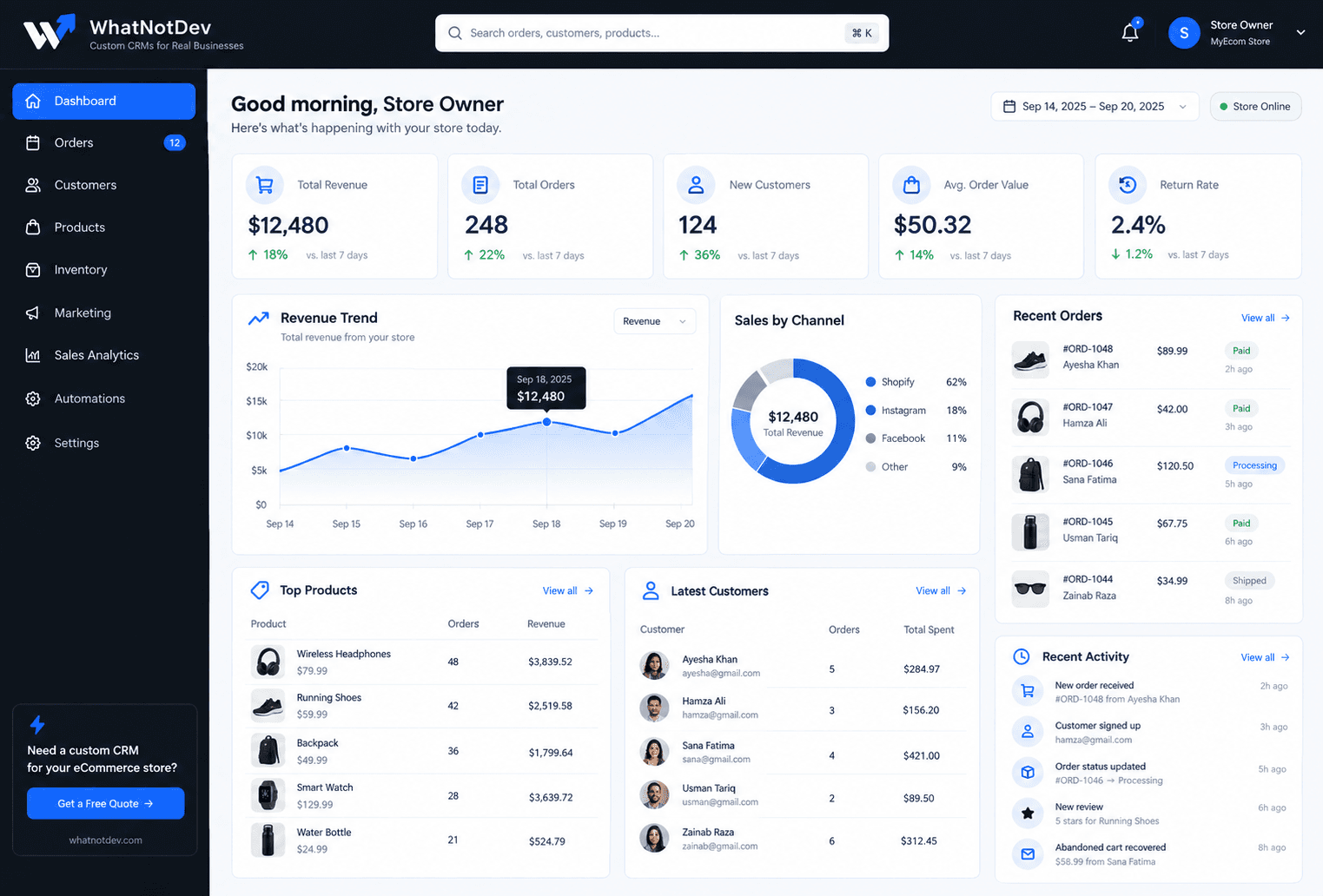
Our sample project for Urban Kit Co. shows a dashboard built around these ideas, including revenue by channel and a live activity feed. It uses illustrative data and is not a real client result.
Segmentation: turning data into action
Data by itself does not grow revenue. Segments do, because they let you treat different customers differently. A few simple segments cover most needs.
- First-time buyers who have not returned yet, ready for a welcome sequence.
- Repeat customers and top spenders, who deserve early access or a thank-you.
- Lapsed customers who have not ordered in a while, ready for a win-back message.
- Customers who abandoned a cart, ready for a reminder. We cover this in our guide to abandoned cart and win-back flows.
- Wholesale or business buyers, who often need separate pricing and communication.
Keep the customer data clean
A single customer view is only as good as the records behind it. The most common problem is duplicates: the same person appears once with a personal email and once with a work email, or checks out as a guest and later creates an account.
Decide how customers are matched, usually by email and sometimes by phone or shipping address, and merge duplicates so lifetime value and order history are not split across two records. It is a small piece of housekeeping that makes every metric more trustworthy.
Respect consent and privacy
Combining data makes it easy to message people, but it also raises the bar on how you handle it. Record whether each customer agreed to marketing email or SMS, and honor unsubscribes across every tool you use.
Keep only the data you actually use, and make it easy to correct or delete a customer's information when they ask. Rules vary by location, so check the requirements that apply to your store and your customers.
Do you need a custom ecommerce CRM?
Not always. Many stores do well with the tools built into their store platform plus an email marketing product. A custom CRM starts to make sense when your customer data is spread across too many tools, when you sell to both consumers and businesses, when you run subscriptions or replenishment, or when you want dashboards and automations that a standard product does not offer.
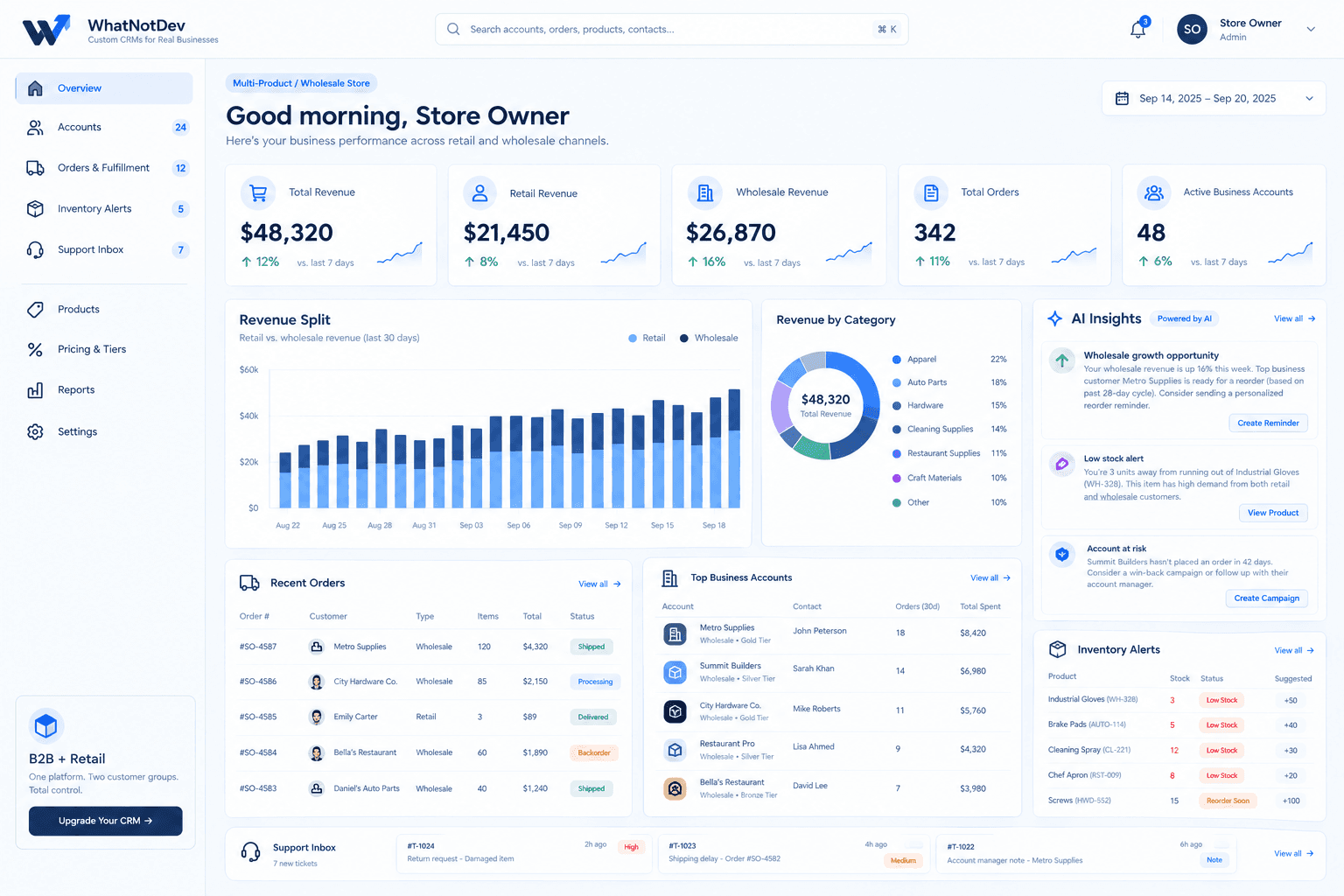
For example, a store that sells to both shoppers and wholesale accounts has different customer groups, pricing tiers, and inventory needs. Our sample project for Ridgeway Supply Co. shows how retail and wholesale can sit in one dashboard while staying separate. It is an illustrative demo.
How to get started without a huge project
- Pick three questions you cannot answer today, such as who your best customers are and who has stopped buying.
- List the tools that hold the data for those answers.
- Connect orders first, then support, then marketing.
- Build two or three simple segments and one automation, such as a welcome or win-back message.
- Review results after a few weeks and add only what you actually use.
Picking a platform
You can build a customer view in HubSpot, in GoHighLevel, or as a custom build connected to your store. The best choice depends on how unusual your data and workflow are. Our comparison of a custom CRM, GoHighLevel, and HubSpot explains how we think about it.
If you want a second opinion on your own setup, book a discovery call. We will ask what data you have, what you want to know, and recommend the simplest approach.